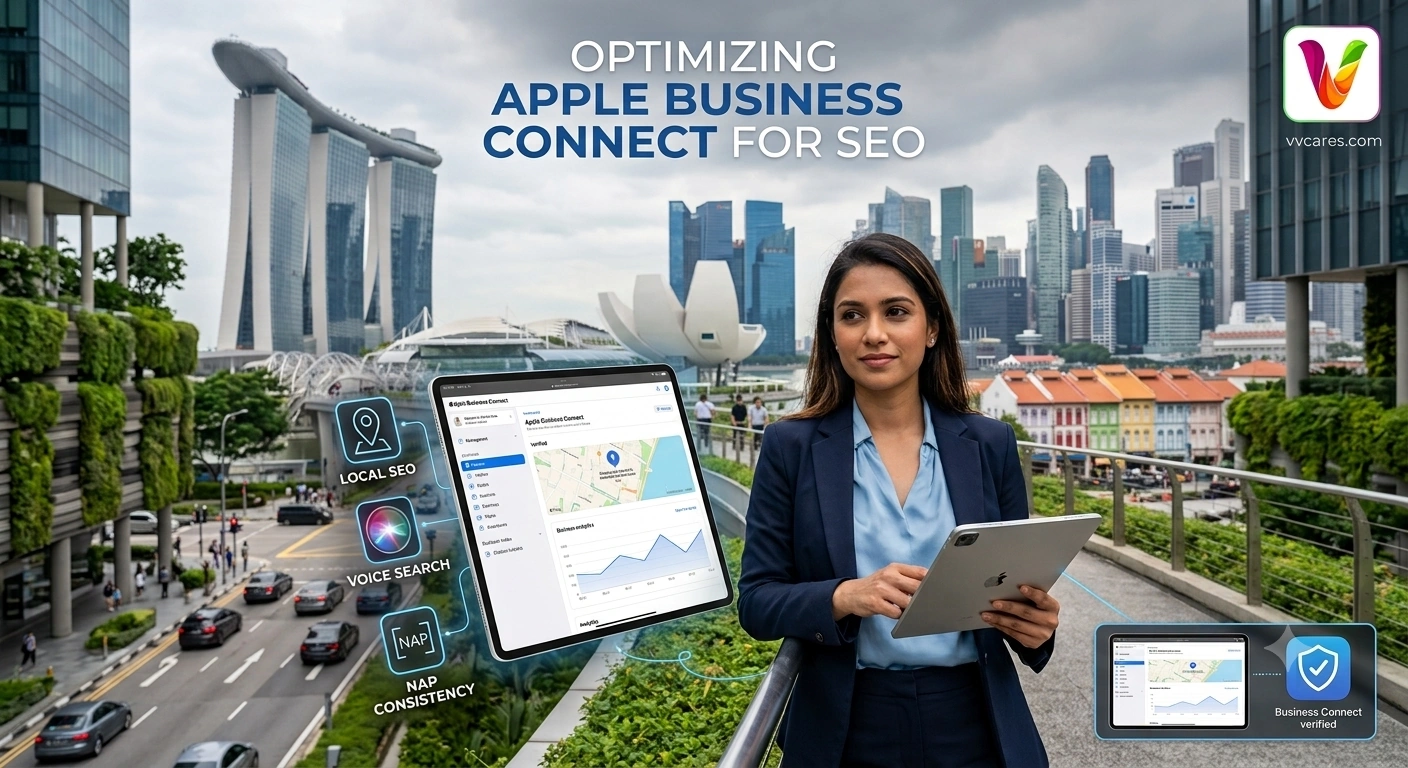
Introduction: The Shifting Landscape of Local Search
For years, local search engine optimization (SEO) conversations centered almost exclusively on Google Business Profile (formerly Google My Business). While Google remains the dominant global search engine, consumer search habits are evolving rapidly. Millions of users interact with local businesses directly through navigation apps, virtual assistants, and built-in mobile OS ecosystems without ever opening a standard Google search tab.
With Apple operating over 2 billion active devices worldwide, Apple Business Connect has emerged as a cornerstone of modern multi-platform local SEO. Whether a potential customer is using Apple Maps on an iPhone, asking Siri for recommendations while driving, or conducting a quick search using Spotlight on macOS, your brand’s presence within the Apple ecosystem dictates whether they find you—or your competitor.
At VVCares, we analyze how search algorithms, mobile indexation, and citation authorities intersect. In this guide, we break down the strategic impact of registering your domain and business details with Apple Business Connect, how it reinforces your overarching digital presence, and step-by-step best practices to maximize your organic reach.
What is Apple Business Connect?
Apple Business Connect is a free portal provided by Apple that allows business owners to claim, customize, and manage their location place cards across the entire Apple ecosystem. First launched to give companies direct control over how their business details appear in Apple Maps, Siri, Wallet, Safari, and Spotlight, the platform represents Apple’s direct answer to local business listing management.
When you register your business domain at business.apple.com and verify your locations, you gain the ability to customize key details:
-
Official business name, categories, and core service descriptions.
-
Physical address, exact map pin location, and service area boundaries.
-
Operating hours, holiday schedules, and special operating conditions.
-
Actionable CTAs (Call to Action) through “Showcases” (e.g., ordering food, booking an appointment, or viewing promotions).
-
High-resolution logos, exterior/interior cover photos, and media assets.
How Apple Business Connect Drives Local SEO Performance
While Apple Business Connect is technically a map platform rather than a traditional search engine index, its impact on your search engine optimization strategy is profound. Here is a detailed look at how registering your domain and business details feeds into your organic visibility.
1. Dominating the High-Intent iOS & macOS Ecosystem
Apple users represent a highly lucrative, high-intent demographic. When an iPhone or Mac user searches for “best SEO agency,” “web design services,” or local amenities using Siri or Apple Maps, Apple’s internal discovery algorithms favor verified, fully optimized place cards.
By claiming your profile:
-
Direct Siri Voice Search Visibility: Siri relies natively on Apple’s proprietary directory data. Without a verified profile, your business may either be missing entirely from Siri voice queries or populated with inaccurate automated web scrapings.
-
Spotlight Integration: macOS and iOS Spotlight searches display Apple Maps place cards directly within system search results, allowing users to discover your brand without opening a browser window.
2. Reinforcing Name, Address, and Phone (NAP) Consistency
Search engine algorithms evaluate a brand’s trustworthiness partly based on data consistency across high-authority citations.
When search bots crawl the web, they look for matching NAP (Name, Address, Phone) data across authoritative business registers. Apple holds immense domain authority (apple.com). Having your verified domain, exact business address, and contact details listed on Apple Business Connect serves as a primary trust anchor. This structured verification reassures Google, Bing, and other crawlers that your enterprise is a legitimate, active physical entity, indirectly supporting your site-wide local rankings.
3. Elevating User Engagement & Positive Behavioral Signals
Search engines closely monitor engagement signals—such as click-through rates (CTR), request directions, website visits, and direct call actions. Richer profiles yield significantly higher interaction rates.
Apple Business Connect allows you to leverage Showcases and Custom Action Buttons. For instance:
-
A user finding your service company on Apple Maps can click a direct “Book Appointment” button linked directly to your website landing page.
-
High-quality visual media encourages users to linger longer on your card, click through to your main website, and convert.
This increase in referral traffic and active user interactions signals to both Apple and broader search engines that your business is relevant, leading to higher placement in local map stacks.
4. Voice Search and Natural Language Processing (NLP) Readiness
Voice search queries differ fundamentally from typed keywords. Users typing a query might search for “SEO consultancy Singapore”, whereas users speaking to Siri ask, “Siri, find a top-rated SEO consultant near me open now.”
Apple Business Connect allows you to configure precise primary and secondary business categories, target keywords, and natural language business summaries. By aligning your business details with how people speak conversational queries to virtual assistants, you position your brand at the forefront of voice-assisted local discovery.
Apple Business Connect vs. Google Business Profile: A Dual-Engine Strategy
A common misconception among professional SEO consultant in Singapore is that managing a Google Business Profile is sufficient for local search dominance. While Google handles the majority of traditional desktop and web searches, ignoring Apple leaves a massive gap in your digital footprint.
| Feature | Apple Business Connect | Google Business Profile |
| Primary Platforms | Apple Maps, Siri, Safari, Spotlight, Apple Wallet | Google Search, Google Maps, Google Assistant |
| Primary Audience | iOS, iPadOS, macOS, watchOS Users | Android, Windows, Chrome, Desktop Web Users |
| Direct SEO Impact | Siri Voice Search, Apple Maps Rankings, Referral Traffic | Google Local 3-Pack, Google Maps Rankings |
| Indirect SEO Impact | High-Authority Citation Anchor, Cross-Platform Trust | On-Page Context, Google Knowledge Graph |
| Key Engagement Feature | Showcases & Action Cards | Google Posts, Q&A, Direct Messaging |
The VVCares Recommendation: Treat Apple Business Connect and Google Business Profile as complementary engines. Maintaining synchronized, identical data across both platforms maximizes your reach across 100% of mobile and desktop device users.
Step-by-Step: How to Register and Optimize Your Profile
Claiming your domain and setting up your account correctly ensures maximum SEO benefit. Follow this operational checklist:
Step 1: Sign in with Your Apple ID
Navigate to business.apple.com. Sign in using an Apple ID associated with your official business email address (avoid using personal Apple IDs to maintain proper company access control).
Step 2: Verify Domain Ownership & Business Details
Search for your business location. If a listing already exists via automated data aggregators, select Claim this location. If your business is missing, click Add Location. Apple will require verification—typically through official business domain validation, business license documentation, or phone verification.
Step 3: Align NAP Data Verbatim
Ensure that your business name, official address, primary phone number, and domain URL match exactly with what is displayed on your website’s footer, contact page, and Google Business Profile. Avoid subtle discrepancies (e.g., matching “Street” vs “St.”).
Step 4: Select Accurate Primary & Secondary Categories
Categories are the single most important factor for non-branded local search queries. Select the most accurate primary category that describes your core service (e.g., Website Designer, Marketing Agency, or Software Company), followed by relevant secondary categories.
Step 5: Implement High-Resolution Visuals & Showcases
Upload sharp, professional logos and cover photos. Utilize the Showcase feature to highlight special offers, seasonal campaigns, or new blog content with clear, tracking-enabled call-to-action buttons leading directly to your website.
Advanced Local SEO: Integrating Your Place Card with On-Page Schema
To get the full value out of your Apple Business Connect registration, your website’s technical SEO must mirror your location listing.
JSON
{
  "@context": "https://schema.org",
  "@type": "ProfessionalService",
  "name": "VVCares",
  "url": "https://vvcares.com",
  "logo": "https://vvcares.com/assets/logo.png",
  "telephone": "+65-XXXX-XXXX",
  "address": {
    "@type": "PostalAddress",
    "streetAddress": "Your Office Street Address",
    "addressLocality": "Singapore",
    "postalCode": "XXXXXX",
    "addressCountry": "SG"
  },
  "sameAs": [
    "https://www.facebook.com/YourFacebookPage",
    "https://www.linkedin.com/company/YourLinkedIn"
  ]
}
By explicitly linking your verified business details across your website’s structured data, Apple Business Connect, and Google Business Profile, search engine spiders establish an undeniable connection regarding your local authority and physical location.
Frequently Asked Questions (FAQ)
Does registering with Apple Business Connect cost anything?
No. Registering, claiming, and managing your business locations on Apple Business Connect is 100% free.
Will Apple Business Connect improve my rankings on Google Search?
While it does not directly alter Google’s internal ranking algorithms, it provides indirect benefits. It acts as a top-tier, high-authority NAP citation, drives high-intent referral traffic, and strengthens overall brand entities across the web—all of which support a strong off-page SEO foundation.
How long does Apple Business Connect verification take?
Verification timelines vary. Electronic domain validation or automated phone verification can occur within minutes to hours, while manual documentation reviews (like business utility bills or licenses) may take between 1 to 5 business days.
Can service-area businesses without a public storefront register?
Yes. Similar to Google, Apple Business Connect allows service-area businesses (e.g., mobile consultants, home services, or digital agencies) to register their business while specifying operating territories without publicly disclosing a residential address.
Final Thoughts
Local SEO is no longer confined to a single search box. As search behavior spreads across voice assistants, built-in operating system integrations, and dedicated mapping applications, establishing your presence on Apple Business Connect is an essential strategic step.
By claiming your profile, synchronizing your NAP data, and presenting a fully optimized place card to millions of Apple users, you build a stronger, more resilient digital presence that captures high-value leads across every platform.
Need expert assistance streamlining your local SEO, technical schema implementation, or multi-platform digital strategy? Contact the team at VVCares today to scale your online visibility.